Mindoo Vega Mind map and Kanban in one embedded app
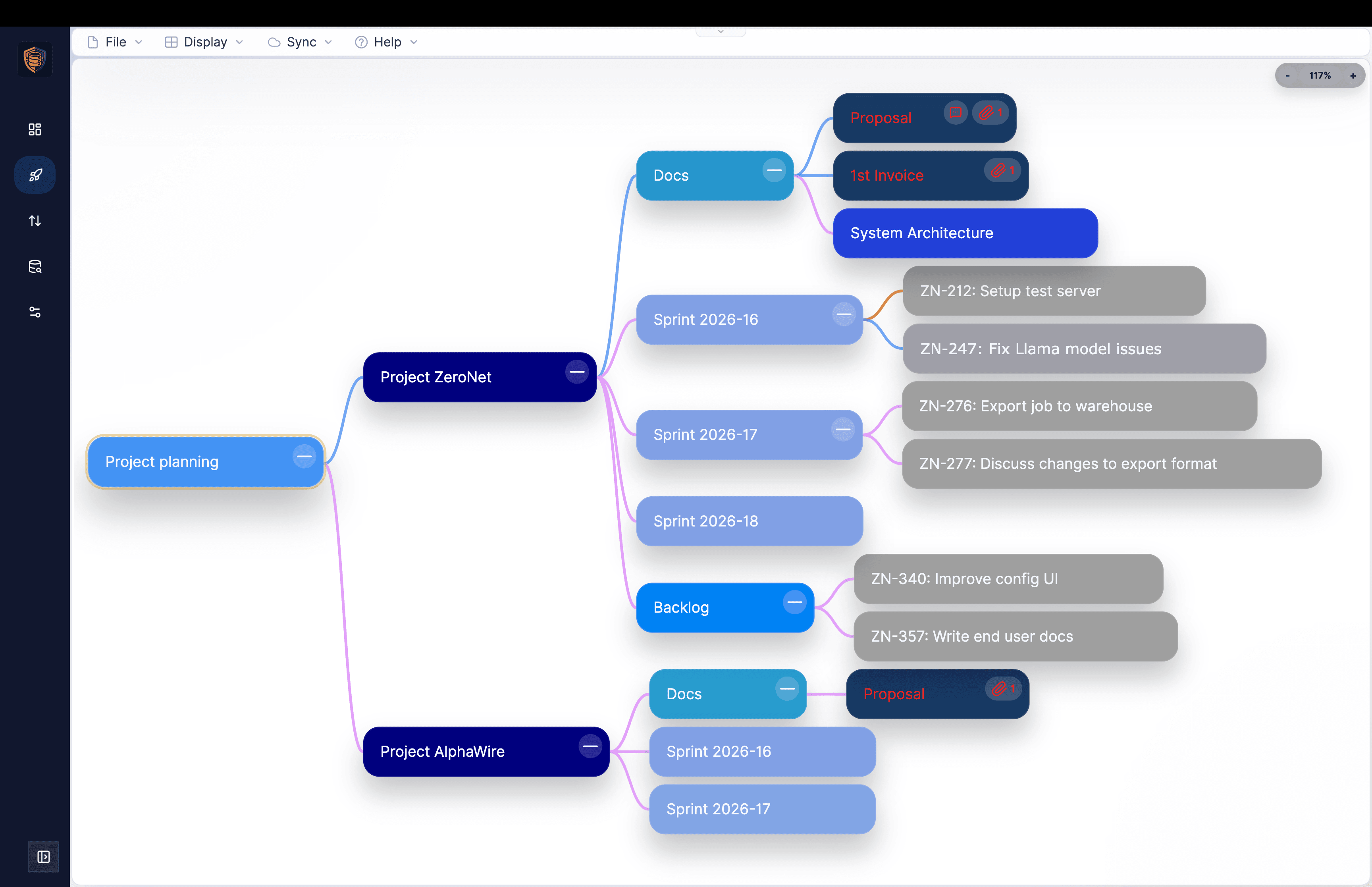
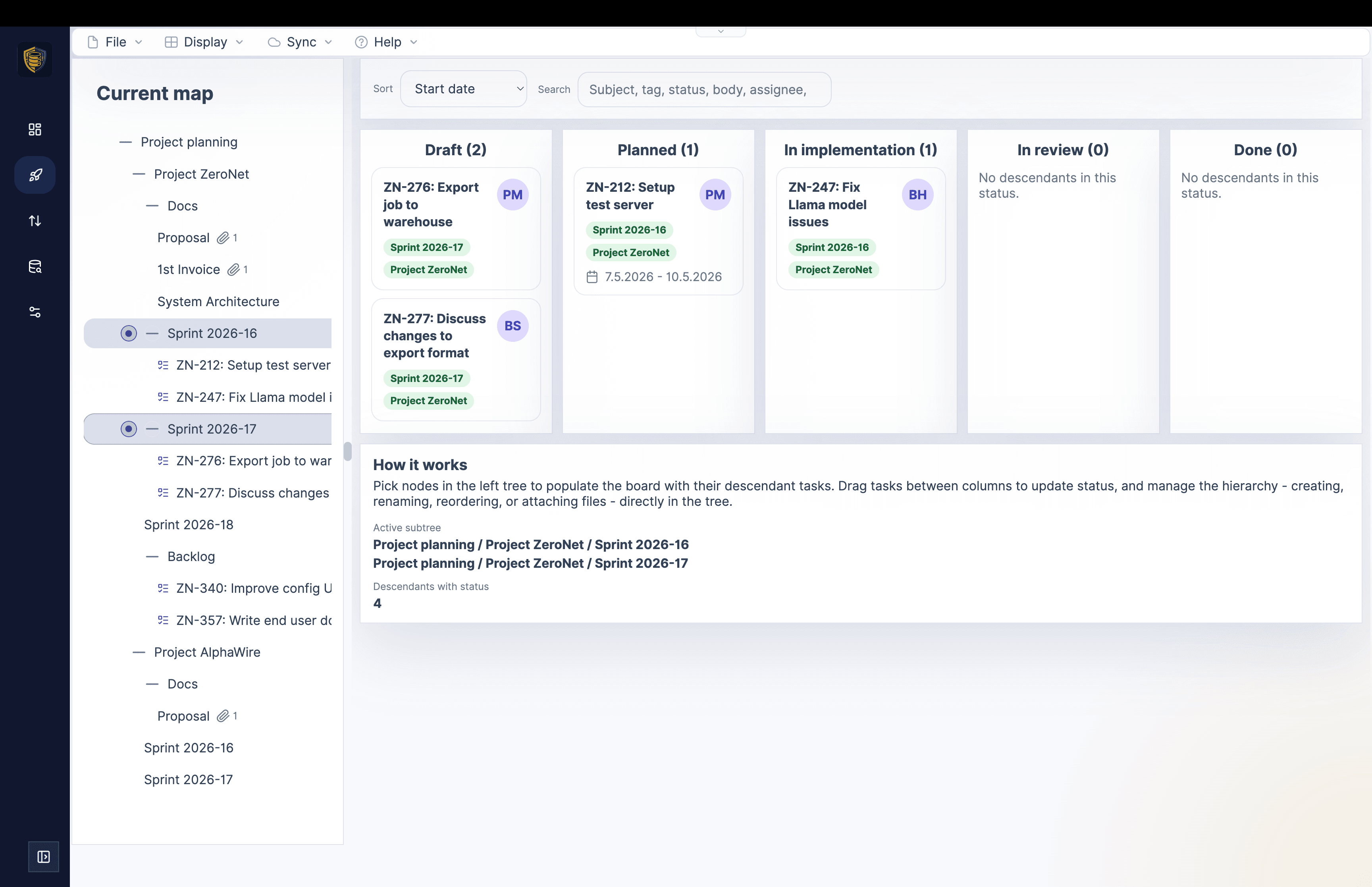
Haven is a calm, collaborative workspace for notes, files, apps, and data - end-to-end encrypted, on every device, with the complete history of every change.
Missing an app?
Describe it, and the built-in App Builder writes it, publishes it, and installs it for you - no coding required. It all runs on MindooDB, an open-source, local-first sync database you can host in your own jurisdiction; the server only ever sees ciphertext - real data sovereignty, without giving up real-time collaboration.
Client-side keys, no plaintext on the server. Apps only see what you explicitly share. Fine-grained access control governs who can create, change or delete documents - enforced cryptographically, even offline.
Automerge-based merges, shared tenants, and a guided onboarding flow for bringing teams in.
Runs as a PWA on iOS, Android, and desktop. Add multiple instances for work, personal, and demos.
Full local use with built-in backup and flexible push-only, pull-only, or bidirectional sync.
Describe the app your team is missing and the App Builder writes, hosts, and installs it - no coding required. Or build it yourself with the MindooDB App SDK.
When buyer, seller, and counsel work on the same confidential deal, each side keeps its own tenant. Haven brings the shared documents, Q&A, and closing tasks into one workspace - while the server only ever sees ciphertext, and every change becomes a signed node in a tamper-evident DAG.

Two AI hosts · ~23 min · generated by NotebookLM
A relaxed deep-dive into how Haven turns MindooDB into a browser-based workspace: end-to-end encrypted data with keys that never leave your device, local replicas for fast offline work, CRDT-based merging with a tamper-evident change history, strictly separated multi-tenant workspaces, custom apps, and virtual views that combine data across contexts. An entertaining and accessible introduction to the platform.
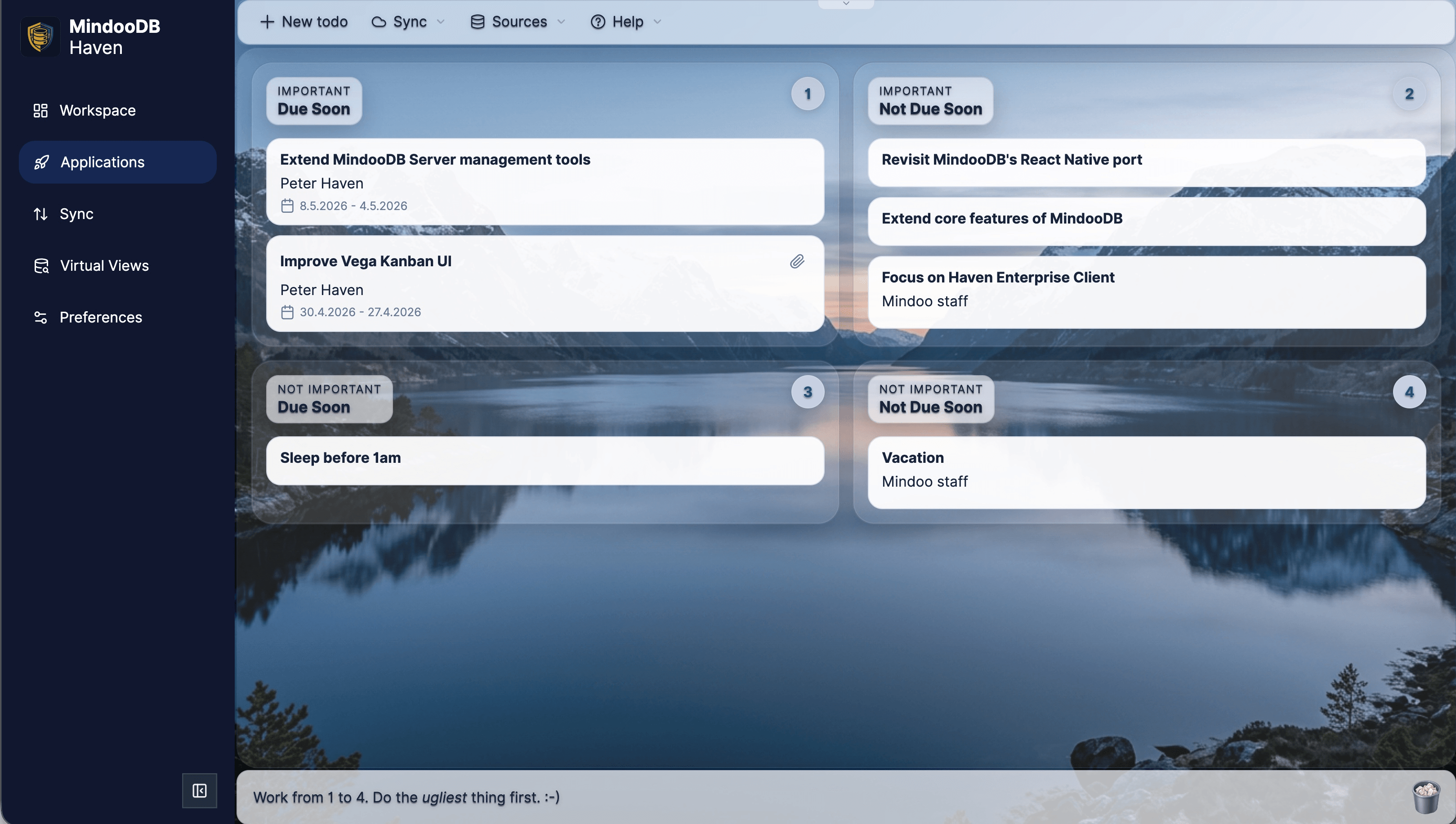
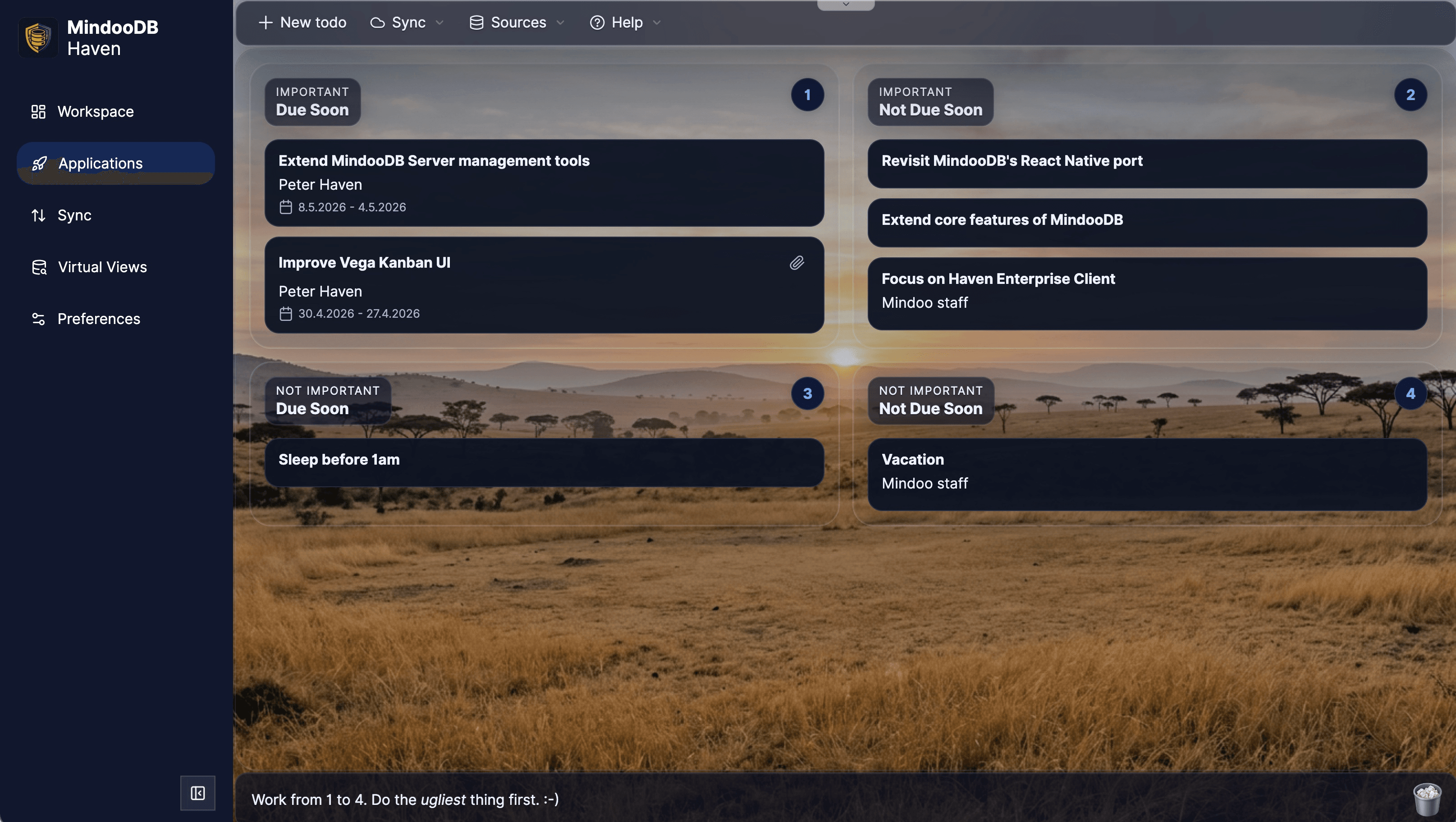
Pages, Chicklets, and groups let you arrange databases, applications, notes, web content, and media exactly the way your team thinks. Haven becomes the calm home screen for your encrypted data.
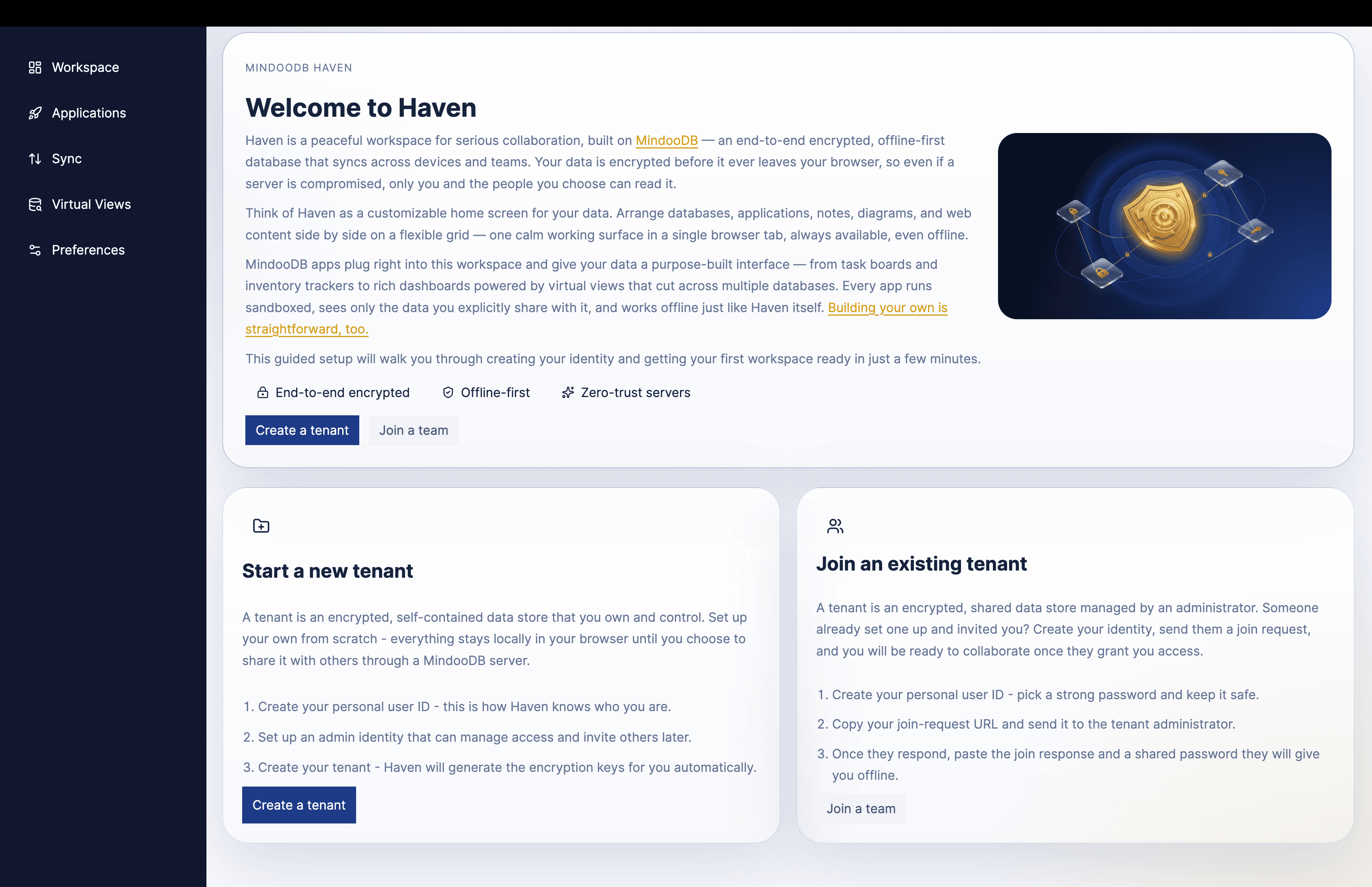
Haven is not a concept mockup. It is a working product that already brings together navigation, workspace organization, search, database access, and local-first workflows in the browser.
Click the workspace screenshot to inspect a much taller Haven page with notes, media, running apps, mind maps, Kanban boards, and Mermaid tiles in one real workspace.
Applications can run embedded in the Haven workspace or in their own tab, access selected databases and views, and ship as either externally hosted web apps or Haven-hosted bundles served offline by the service worker. And you do not have to write one to get one: the App Builder turns a description into a deployed, installed app.
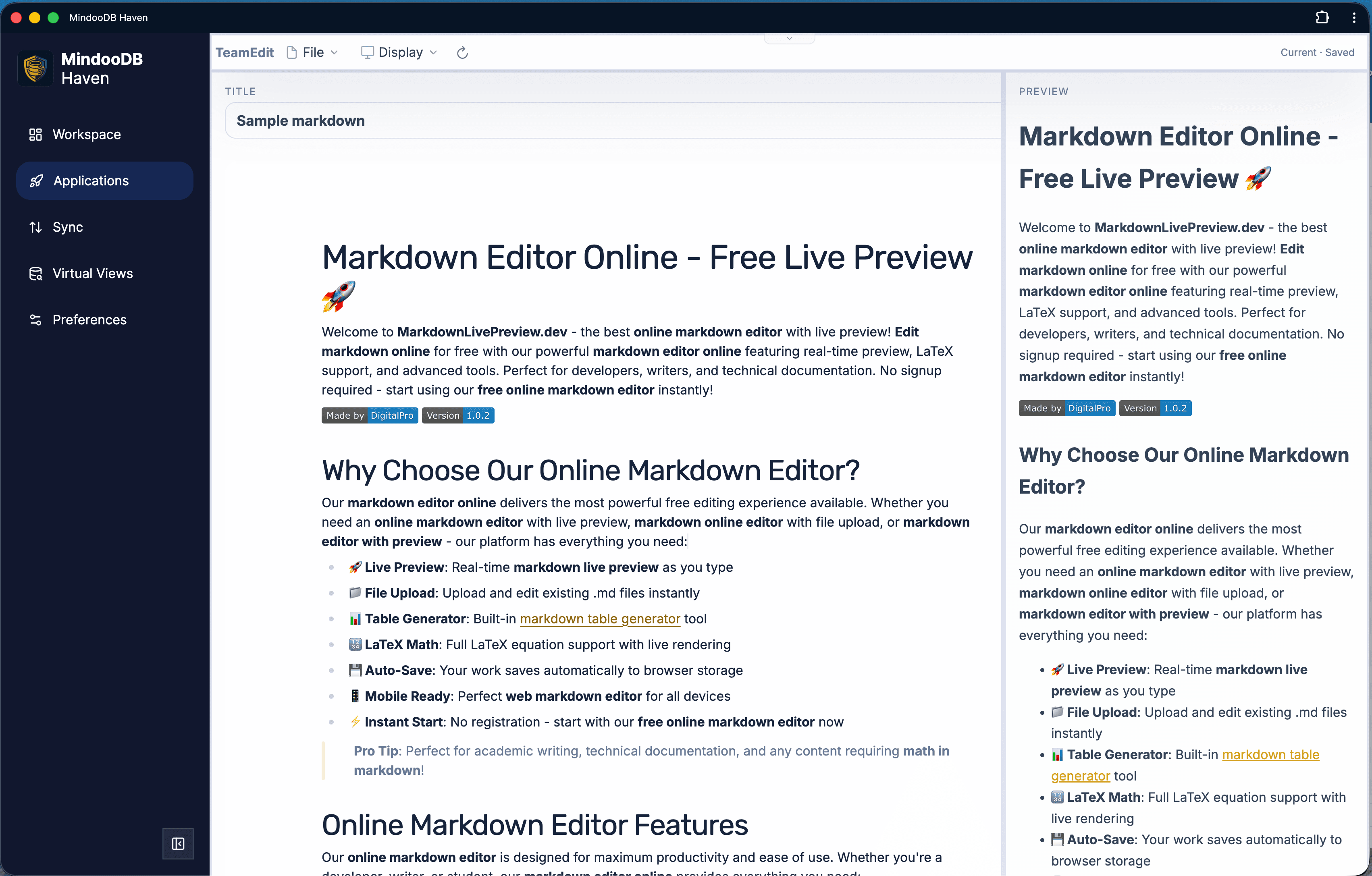
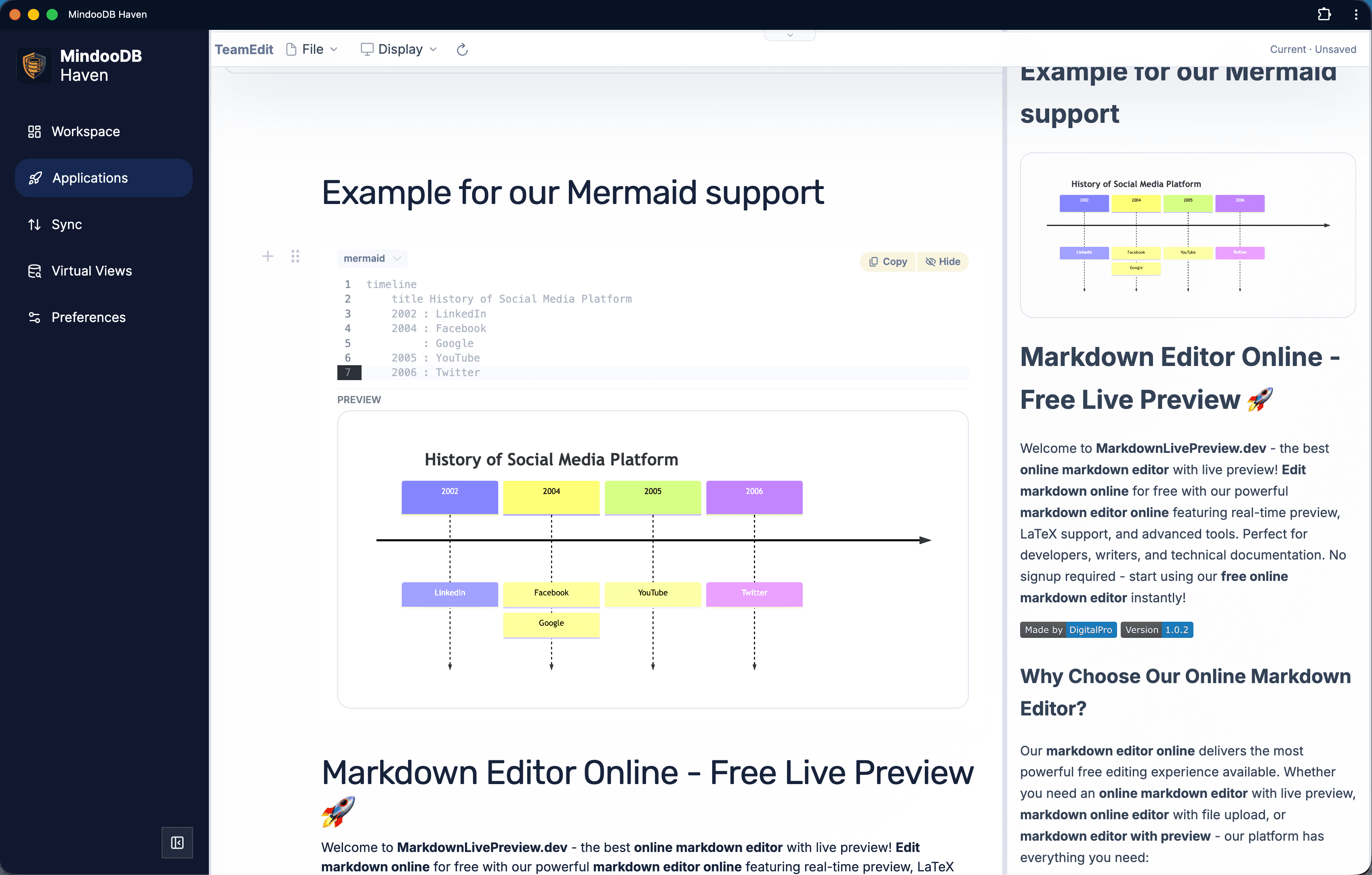
Haven inherits MindooDB's trust model. Data is encrypted on the client before it ever leaves the device, apps run in sandboxed iframes with granular permissions, and the DAG explorer makes collaboration auditable.
Haven Community works in three topologies. Choose the one that matches your workflow - you can move between them without changing clients.
Create tenants and databases entirely offline. No server, no sync - ideal for personal use, drafts, and offline demos.
Push a local tenant to the hosted demo server and invite real collaborators. Demo data is wiped periodically - it is for evaluation, not production.
Point Haven at a MindooDB server you run. See README-server.md for setup.
The Haven PWA at haven.mindoodb.com. Free to use today, full local use, optional demo server, and self-hosting against your own MindooDB server.
Custom branding, managed UI and workspaces, in-house app store, workspace roaming, automatic backup, inline attachment editing, and more - from Mindoo GmbH.
Product updates and implementation notes from the MindooDB ecosystem.
September 29, 2026
Not every week gets its own article, but the small things add up. MindooDB now speaks four more Automerge data types - counters that sum concurrent increments, real timestamps, atomic strings that are replaced rather than merged, and text cursors that keep pointing at the same words while other people type - and it can answer nested queries that join invoices to their lines, customers and products across databases and even tenants, straight from the document summary buffer. Incoming sync now warms the summary buffer, the virtual views and the full-text index while the data arrives, so a database is ready the moment the progress bar finishes. Haven dropped its sidebar after failing the most honest usability test we have - my wife, a teacher - so views, apps, notes, web pages, diagrams and videos now all live as tiles on the workspace, which in turn gained undo and redo for layout changes, one-click tile arrangements, a maximise shortcut, draggable dividers and an end to overscroll. The App SDK can ask about focus, send notifications and drag data from one app tile into another, with Haven brokering the gesture. The App Builder learned to share builds between developers, send an app to a colleague and copy an existing one; App Store apps now run as hosted bundles with a network allowlist; Teacher's Desk puts lessons into the calendar; and TeamSketchbook gets thirty covers and text boxes.
September 23, 2026
Haven has been extensible through apps for a while: the MindooDB App SDK, a set of context files a coding agent can read, and a reference app to fork. That works - and it still asks you to care about where the code lives, who hosts it, and how the result reaches Haven. The new App Builder, itself an app in Haven's App Store, removes all of it. Connect GitHub, Cloudflare and Cursor once, then type a name and a few sentences about the app you are missing and press one button: the builder creates a private repository from a starter template, writes your brief into it, reserves a web address on Cloudflare, wires push-to-deploy, waits for the app to answer, hands it to Haven for installation, and sets a Cursor cloud agent to work - which you can then watch draw an icon, write the app and click through it in a browser. What comes out is an ordinary MindooDB App with its own repository and its own address, and it is safe to run because none of Haven's app isolation changed: sandboxed iframe, logical database ids, permissions you granted at install time, and a network allowlist that blocks anything the app was not allowed to call.
September 22, 2026
Haven clients can now sync directly with each other over the Iroh network, with no server in the middle: two devices of the same tenant converge device to device, carry on collaborating while the server is down, and hand over the complete signed history afterwards. It arrived as the side effect of solving a duller problem. The crazy-hardware series proved that a MindooDB server fits inside a phone, an Orange Pi and a Wi-Fi router - and then left every one of them sitting at a LAN address. At Local First Conf in Berlin I watched Brendan O'Brien present Iroh: endpoints identified by public key rather than DNS name, QUIC, relays when NAT gets in the way, and a Rust library that compiles to WebAssembly. Both the MindooDB server and the Haven client now speak it, so pasting a ticket into Haven makes the box in the cupboard reachable with no DynDNS, no port forward and no certificate. And once that runtime was in the browser, peer-to-peer sync was a change of argument rather than a change of code path.